PDF Processing Agent
The file processing agent is an example application for processing uploaded PDF files, e.g. receipts for reimbursement.
The example integrates local PDF manipulation and OCR capabilities, such that it only sends a snapshot of a PDF page to remote LLMs when needed.
Create the project
jo new my-agent --template typescope/harpe:pdf-agent
cd my-agent
pip install -r requirements.txt
cp .env.example .env
Set ANTHROPIC_API_KEY, OPENAI_API_KEY, or OPENROUTER_API_KEY in .env.
OpenRouter also requires MODEL. You can also change the
listening address:
HOST=127.0.0.1
PORT=8765
Start the application:
jo startOpen http://127.0.0.1:8765. Each conversation has its own URL and can resume
after the process restarts.
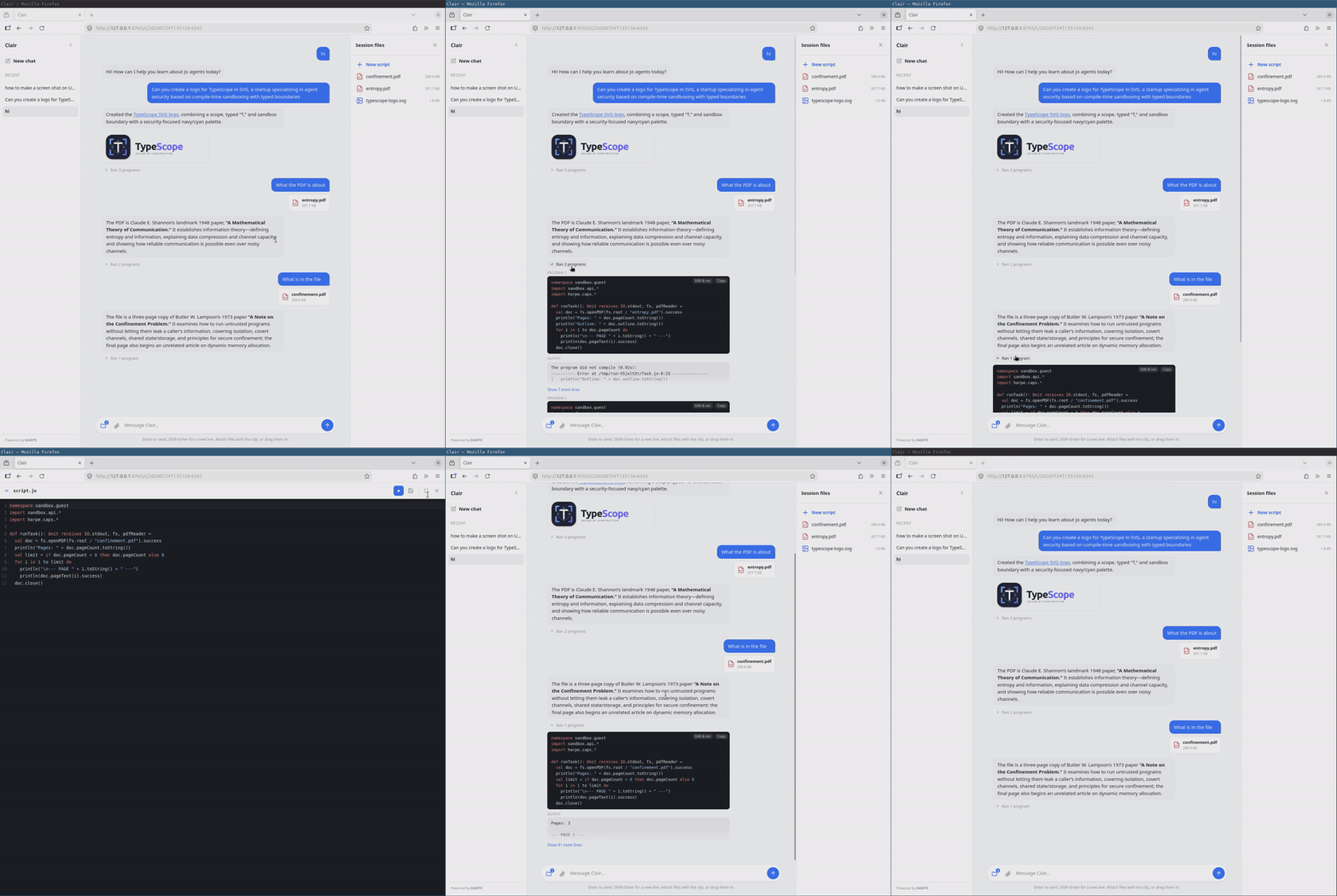
Make the first change
Change the agent name shown in the left sidebar. In src/Web.jo, find:
val server = new ChatServer(brain, "Clair", …)Replace "Clair" with your agent’s name. Edit prompts/SYSTEM.md to give it a matching
role, then restart jo start and reload the page. The new name should appear in
the sidebar, and replies should follow the new instructions.
Send a message and copy the URL. Restart the application and open that URL again. The conversation should still be present.
What to customize
my-agent/
  prompts/
    SYSTEM.md
  src/
    Web.jo             # application startup and model selection
    Server.jo          # HTTP routes, uploads, and event streaming
    Session.jo         # conversation state and persistence
    WebInteract.jo     # maps turn events to browser events
  assets/
    index.html
    app.css
    app.js
  sandbox/
    SandboxAPI.jo
    SandboxRuntime.jo
    Task.jo
  skills/
jo-syntax.md- Edit
prompts/SYSTEM.mdto define the agent. - Edit
assets/to change the interface. The server reads these files from the project, so they remain fully under your control. - Edit
src/Web.joto change startup and model selection. - Edit the
Agentconstruction insrc/Server.joto change tools, context, retries, or tool budgets. Editsrc/Session.joto change persistence. - Edit the sandbox to grant domain-specific capabilities.
- Edit
src/Server.jowhen you need different routes, authentication, upload policy, or integration with an existing web application.
When you are ready to deploy, follow Serving HTTP for server configuration, request limits, session concurrency, and reverse proxies, then review the Deployment Checklist.